This article for consumer users only who have purchased Sentai online. If you are a user of Sentai Pro for care providers, please look at this article for help how to get started with Sentai Pro.
Once you have ordered Sentai online, it will be delivered to your delivery address. The email address that was used for the order will be your Sentai login email. You need the Sentai app to connect the Sentai hub to Wi-Fi. Please follow the steps as described in the Sentai app.
More information how to download the app and connect Sentai to Wi-Fi
When setting up the device, the location of the device will default to the delivery address. You can add another address in the app.
The Sentai Smart Hub combines a microphone, speaker, presence and movement sensor, LED status lights, and a Zigbee hub for additional connectivity in a single device.
It will come with a power supply and USB-C cable.
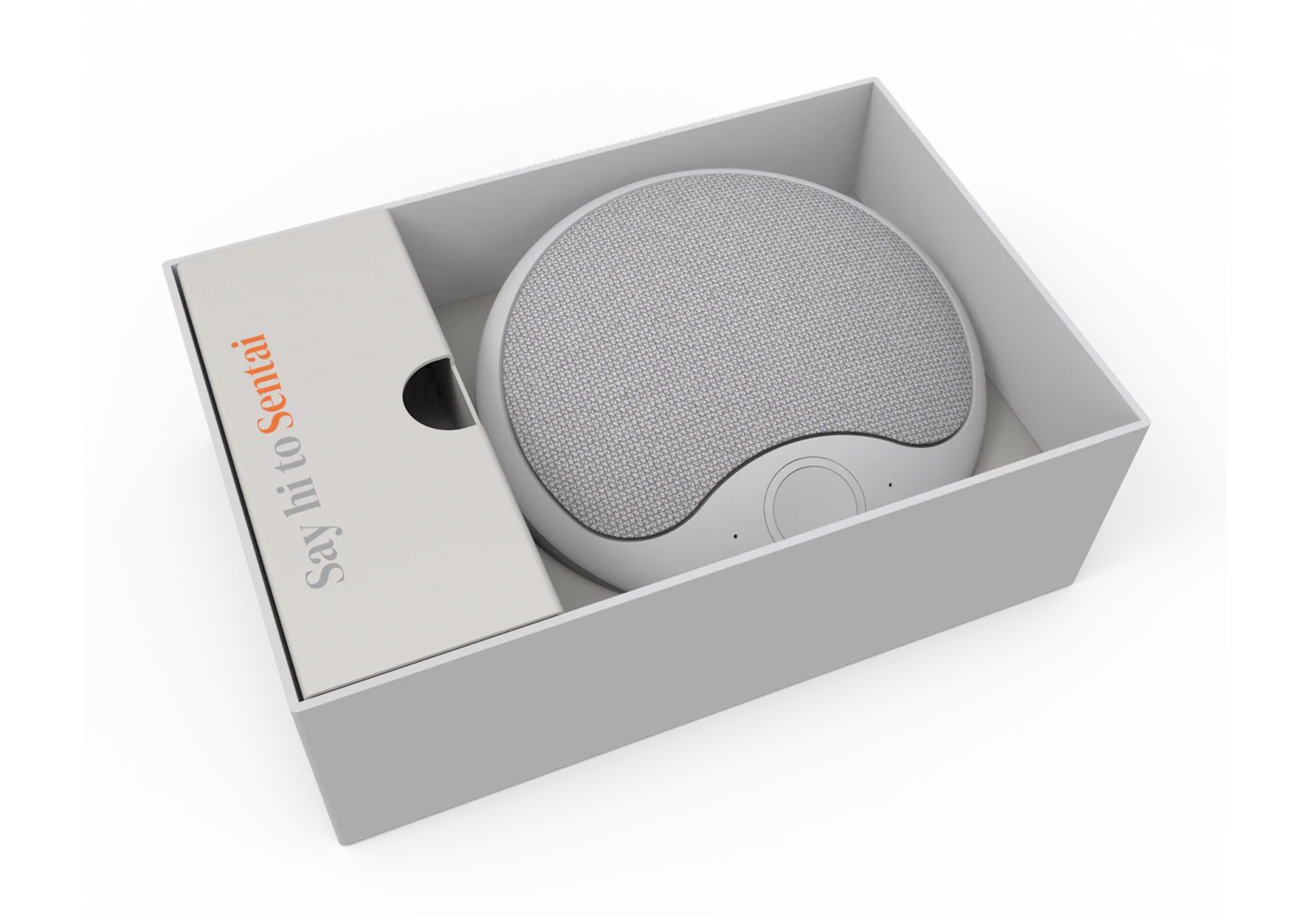
Once Sentai is connected to the Internet, try starting a basic conversation by saying “Hi Sentai” and asking a question. There’s a bunch of basic interactions worth getting familiar with.
Once you mastered the basics, you can configure Sentai in the app. The app has a configuration wizard that will help you get started. To get your loved one used to Sentai, we recommend taking it easy in the beginning and not setting up too many interactions at once.
It’s important to ensure Sentai is configured around the user’s normal daily routine, monitored, and tweaked if their routine changes. One part of that is when the day start and ends, so Sentai does not reach out at night. Learn to how adjust wake-up and bedtime here.
Sentai can keep users engaged and mentally agile by storing interests and conversation topics around topics that interest them, and all other sort of chatter to brighten their day!
You can set up reminders for medication or other things that your loved one needs reminding of. You can also set Sentai to interact at mealtimes, enquire about meal choices and give advice what to make.
You can extend the circle of care by setting up by adding family and friends and give each member a specific role. You can also enable users to ask Sentai for help. Sentai will ask for more details of what’s needed, and immediately send a notification to carers and family and friends that are configured to receive help notifications.
Sentai enables sending chat messages to and from the speaker.
Users can maintain a shopping list by asking Sentai to add something onto the list, which is shown in the Sentai app and can be shared with carers and family.
Sentai offers a range of options to track wellbeing and analytics. Sentai can ask about a user’s wellbeing regularly. Sentai’s built-in radar can detect presence and motion and you can set no movement alerts.
You can schedule complete digital visits, where you can ask a user a set of questions, or remind of medications or other things that need reminding of. Results are shown as a single summary in the Activity Log.
Results are logged in the Activity Log. Sentai will add a daily AI generated summary into a user’s care notes. Carers and family can also add notes.